Introduction
Managing money becomes easier when you understand where your income goes each month. However, tracking expenses and planning savings can feel difficult when bills arrive at different times. Budgeting apps can simplify this process by helping you organize spending and monitor your financial goals.
The best tool depends on your habits and financial needs. Some people want automatic expense tracking. Others prefer planning every dollar before spending it. Couples may need shared budgets while beginners might prefer a free option.
In this guide, we compare popular budgeting apps and explain their main features, costs, advantages, and limitations. You will also learn how to choose a tool that fits your lifestyle without paying for features you rarely use.

What Are Budgeting Apps and How Do They Work?
Budgeting apps are digital tools that help you manage income and expenses. Depending on the service, you can connect bank accounts, categorize purchases, set spending limits and monitor savings goals. Some tools update transactions automatically through supported financial connections. Others require you to enter purchases manually. Both methods can work well if you use them consistently.
For example, imagine you earn $3,000 each month. You spend $1,100 on housing and utilities, $400 on groceries, and $300 on transportation. You also spend $500 on debt payments and save $400.
A budgeting apps tool can help you organize these amounts and identify where the remaining $300 goes. You can then decide whether to increase savings or reduce unnecessary spending. These tools do not automatically improve your finances. Their value comes from helping you make informed decisions and maintain better money habits.
Best Budgeting Apps Compared
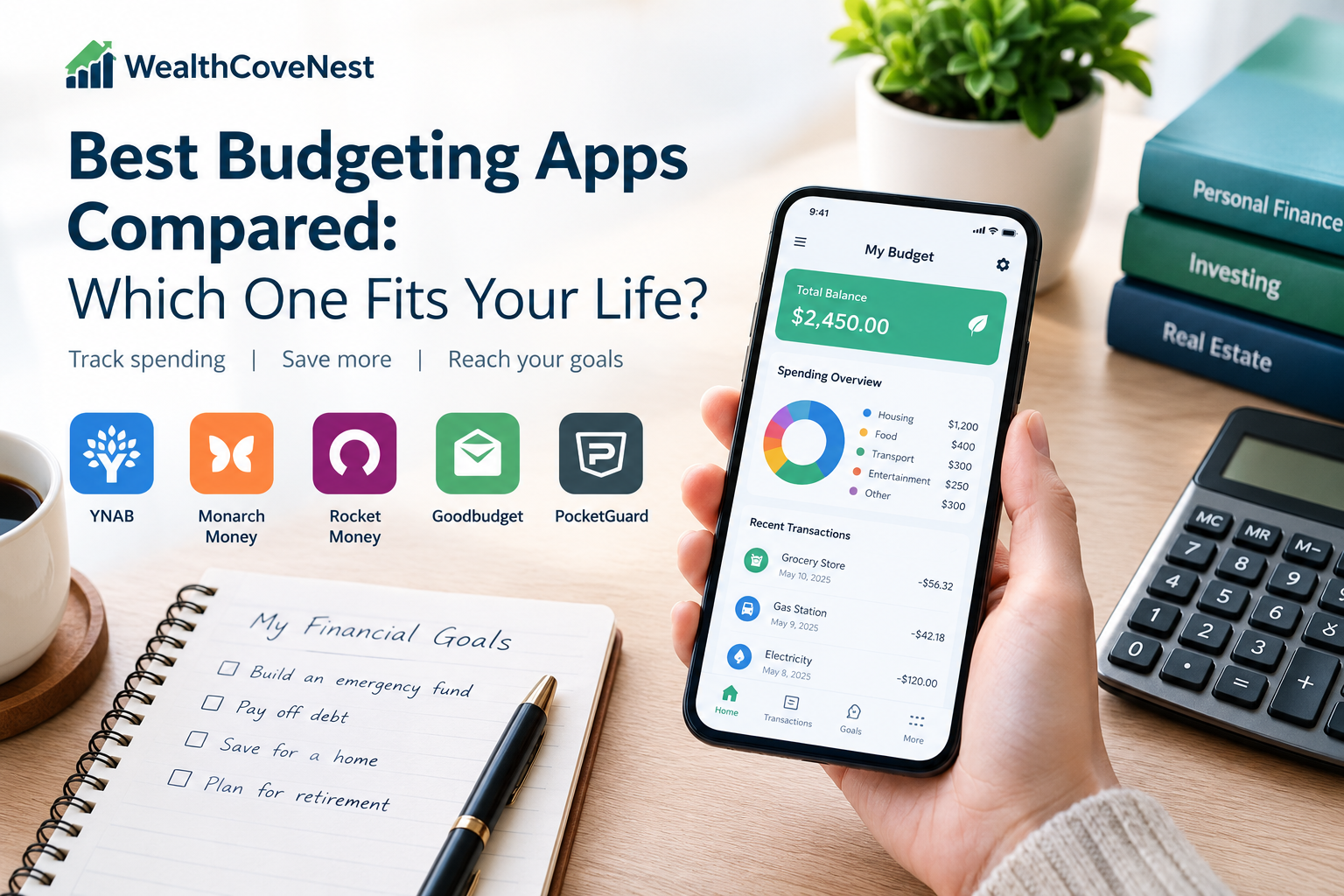
Different tools serve different needs. The following comparison highlights several established options. Features and prices can change, so check each provider’s official website before subscribing.
| App | Best suited for | Main advantage | Potential drawback |
|---|---|---|---|
| YNAB | Hands-on budgeters | Zero-based budgeting | Subscription cost and learning curve |
| Monarch Money | Households and couples | Shared financial overview | Paid subscription |
| Rocket Money | Subscription management | Recurring expense tracking | Some features require payment |
| Goodbudget | Envelope budgeting | Manual spending control | Manual entry can take time |
| PocketGuard | Simple spending awareness | Spendable-money overview | Features and access vary by plan |
This is a feature-based comparison rather than a hands-on performance test. The right choice depends on your location, preferred budgeting method and available bank connections.
YNAB: Best for Detailed Budget Planning
You Need a Budget (YNAB) follows a zero-based budgeting apps. The idea is to assign your available money a purpose before spending it. You might allocate funds to rent, groceries, transportation, debt payments, and future expenses. YNAB is useful for people who want to become more intentional about their money. It encourages regular budget reviews and helps users adjust their plans when expenses change.
Main benefits:
- Detailed control over spending categories.
- Tools for planning ahead and preparing for irregular expenses.
- Educational resources for building budgeting habits.
Potential drawbacks:
YNAB requires active participation and may feel complicated at first. It also uses a paid subscription model rather than offering a permanent full-featured free plan. Check its current pricing and trial terms before signing up.
Choose this option if you enjoy hands-on planning and want a structured approach to managing money.
Monarch Money: Best for Household Finances
Monarch Money provides a broader view of personal and household finances. Its features include budgeting apps, transaction tracking, financial goals and net worth monitoring. This makes it worth considering for couples or individuals who want to review several parts of their financial lives in one place. Shared visibility can also make conversations about household spending easier.
Main benefits:
- A consolidated financial dashboard.
- Household collaboration features.
- Budgeting alongside savings goals and net worth tracking.
Potential drawbacks:
Monarch is a paid service, and its usefulness depends partly on supported financial connections. Its bank-linking coverage may not suit people outside its primary markets.
The company describes its security practices and read-only account connections on its official security page. However, you should still review the privacy policy and permissions before connecting accounts. Monarch may suit households that value shared planning and a comprehensive financial overview.
Rocket Money: Best for Recurring Expenses
Rocket Money combines money management features with tools for tracking recurring bills and subscriptions. It can help users identify regular charges that might otherwise go unnoticed. For example, you might discover that you pay for three streaming services but regularly use only one. Reviewing these expenses can help you decide whether to cancel or downgrade a subscription.
Main benefits:
- Recurring payment and subscription tracking.
- Expense monitoring and spending insights.
- A free entry-level option with additional paid features.
Potential drawbacks:
Some features require a premium subscription. Availability and account connections can also vary by financial institution and location. Certain bill negotiation services may involve fees or other conditions.
Review the terms carefully before authorizing a service to negotiate bills or manage subscriptions. You should understand what it can do on your behalf and whether charges apply. Rocket Money is worth considering if recurring expenses are a major source of waste in your budget.

Goodbudget: Best for Envelope Budgeting
Goodbudget uses the envelope budgeting method. You divide your planned income among categories such as groceries, transport, entertainment, and savings. Traditionally, people used physical envelopes to separate cash. Goodbudget applies the same principle digitally, making it easier to monitor how much remains in each category.
Main benefits:
- A straightforward envelope-based system.
- Manual entry that encourages awareness of purchases.
- A free plan with paid options for additional features.
Potential drawbacks:
Entering transactions manually takes time. The free plan also has limits, so check the current allowance before deciding whether it meets your needs. Goodbudget may be suitable if you prefer a simple method and do not want to depend on automatic bank syncing.
PocketGuard: Best for Everyday Spending Awareness
PocketGuard focuses on helping users understand how much money they can spend after accounting for planned bills, goals, and other commitments. This approach can be useful when you want a quick picture of your available spending money without managing a large number of categories.
Main benefits:
- A clear overview of spending capacity.
- Expense tracking and budgeting features.
- Paid options for users who need additional tools.
Potential drawbacks:
The amount shown as available to spend is only as reliable as the information and assumptions behind it. Pending transactions, unrecorded cash purchases and upcoming expenses can affect the result.
PocketGuard’s features, pricing, and account-linking options depend on the plan and market. Confirm that the service supports your financial institutions before paying. It may suit people who want practical spending guidance rather than detailed financial analysis.
How to Choose the Right Budgeting App
The best choice is the one you can use regularly. Before subscribing, consider these important factors.
Identify Your Main Financial Goal
Start by deciding what you want to improve. If your biggest challenge is overspending, choose a tool that makes spending limits easy to understand. If you want to build savings, look for goal tracking and planning features.
People managing household expenses may value shared access. Those dealing with several recurring bills might benefit more from subscription tracking.
Compare Free and Paid Features
Free plans can be enough for basic expense tracking. Paid plans may offer automation, extra reports, shared accounts, or advanced planning tools. Calculate the annual cost before subscribing. A small monthly payment can become a meaningful expense over a year.
For example, a service costing $10 per month adds up to $120 annually. It is worth paying only if its features provide enough practical value for your situation.
Check Bank Compatibility and Availability
Not every app connects to every bank. Some services focus mainly on the United States, while international users may encounter limited integrations or unavailable features.
Before signing up, check supported countries, currencies, financial institutions and device requirements. If your bank is not supported, manual tracking may be a more reliable option.
Review Privacy and Security
Financial data deserves careful protection. Read the privacy policy and understand how your information is collected, stored, shared, and deleted. Use a unique password and enable multifactor authentication when available.
Avoid connecting accounts through unfamiliar services or granting permissions you do not understand. Budgeting apps can make money management more convenient but no digital service eliminates every security risk.
Common Mistakes to Avoid When Using Budgeting Apps
Even useful tools can disappoint when people use them incorrectly. One common mistake is choosing an app because it has many features rather than because it solves a real problem. A complicated system may be difficult to maintain if you only need basic expense tracking. Another mistake is ignoring cash spending. If you record card purchases but forget cash transactions, your budget may show an inaccurate picture.
You should also avoid treating automated categories as perfect. Review transactions regularly and correct mistakes when necessary. Finally, do not assume that installing budgeting apps will automatically reduce expenses. You still need to review your habits and make realistic decisions about spending.
A Practical Example: Finding the Best Fit
Consider three people with different financial priorities. Sarah wants to stop overspending on everyday purchases. She may prefer PocketGuard because its spending overview can help her monitor available money. James wants to plan every dollar and prepare for irregular bills. YNAB may suit his preference for a structured budgeting apps method.
Maya and Alex manage household expenses together. They may find Monarch Money useful because it offers a shared financial overview. These examples illustrate how different tools can serve different needs. They do not mean one option will always outperform the others. The most suitable choice depends on your goals, budget, location and willingness to maintain your financial records.
Frequently Asked Questions
Q1. What are the best budgeting apps for beginners?
The best option depends on your needs. Goodbudget may suit beginners who prefer manual envelope budgeting apps, while Rocket Money may appeal to people who want to monitor recurring expenses. Compare free features before committing.
Q2. Are budgeting apps worth paying for?
They can be worth paying for if they save time or help you manage money more effectively. Compare the annual subscription cost with the features you will actually use. A spreadsheet or free plan may be enough for simple needs.
Q3. Are budgeting apps safe to use?
Some providers use encryption and other security measures, but risks still exist. Review privacy policies, account permissions, and authentication options before connecting financial accounts.
Q4. Can I use budgeting apps outside the United States?
Some services have limited international availability. Bank connections, currencies, and features may differ by country. Check the provider’s supported regions before creating an account.
Q5. Do budgeting apps automatically save money?
No. They can help you track spending and identify possible savings, but you must decide what changes to make. Results depend on your habits and financial circumstances.
Final Thoughts
Budgeting apps does not need to be complicated. The right tool can help you understand your spending, prepare for bills, and work toward meaningful financial goals.
YNAB may suit people who prefer structured planning. Monarch Money can appeal to households seeking a broader financial overview. Rocket Money may help users review recurring expenses, while Goodbudget offers a manual envelope method. PocketGuard can provide a simpler view of available spending money.
Before choosing budgeting apps, compare their current costs, features, privacy policies, and availability in your country. Start with the simplest option that meets your needs and review your budget regularly. Remember that a tool is only part of a successful financial plan. Consistent habits, realistic goals and informed decisions matter just as much.
2 thoughts on “Best Budgeting Apps Compared: Which One Fits Your Life?”